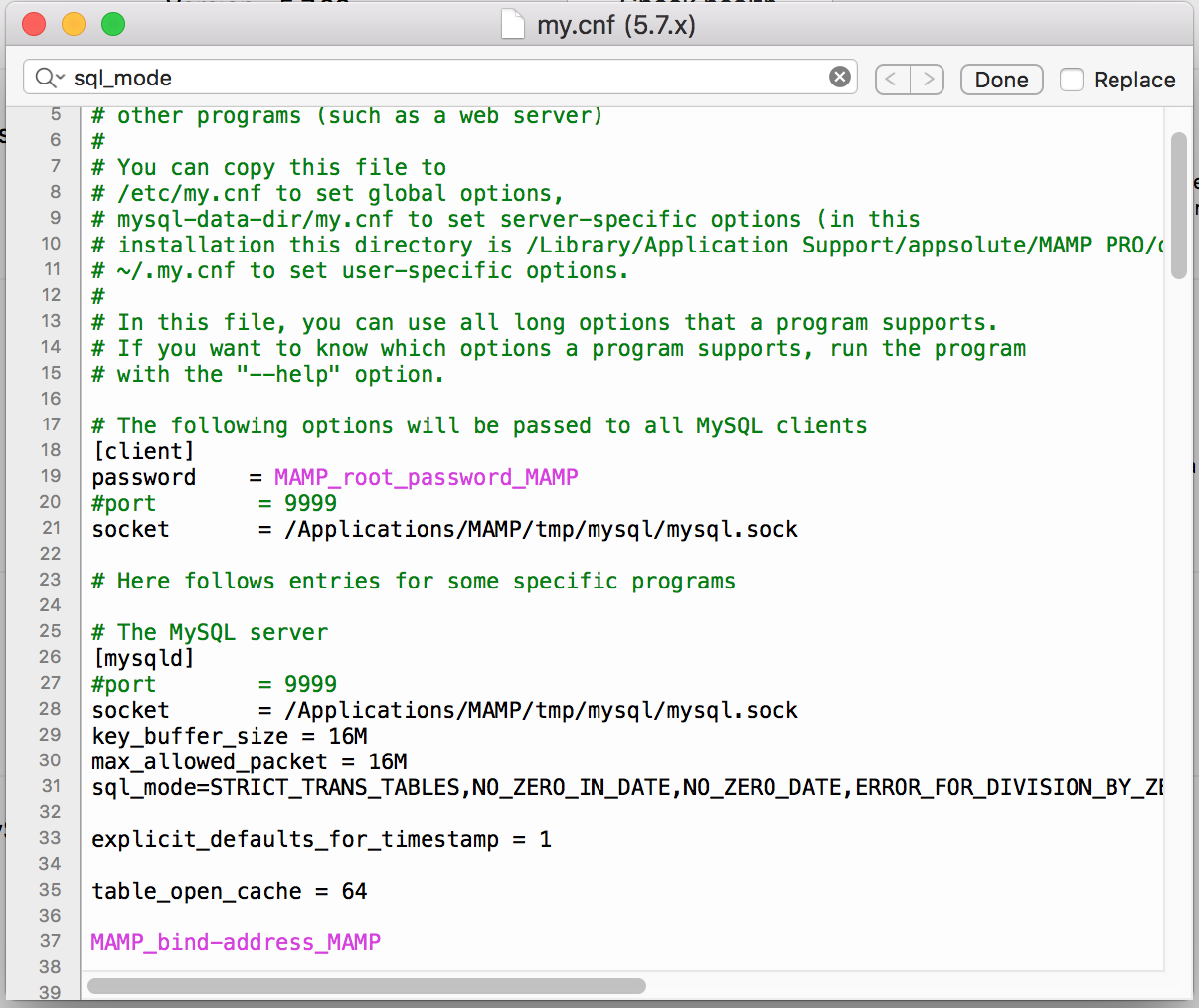
The best MySQL and MariaDb / mysql and mariadb settings for an 8-core server with 32GB of RAM are listed below.
Of course note, that these settings also work for up to 128GB of RAM and a 10- to 20-core CPU. And it is very suitable for visits of more than 1000 people online …
If you use the following command
perl mysqltuner.pl
Your data after 48 is suggested to you to modify. It is better to ignore! Of course for 32G RAM!
If you have any questions, ask at the bottom to be answered. Of course, note that any changes in these codes may have CP loaded, so it is recommended to ask before any changes.
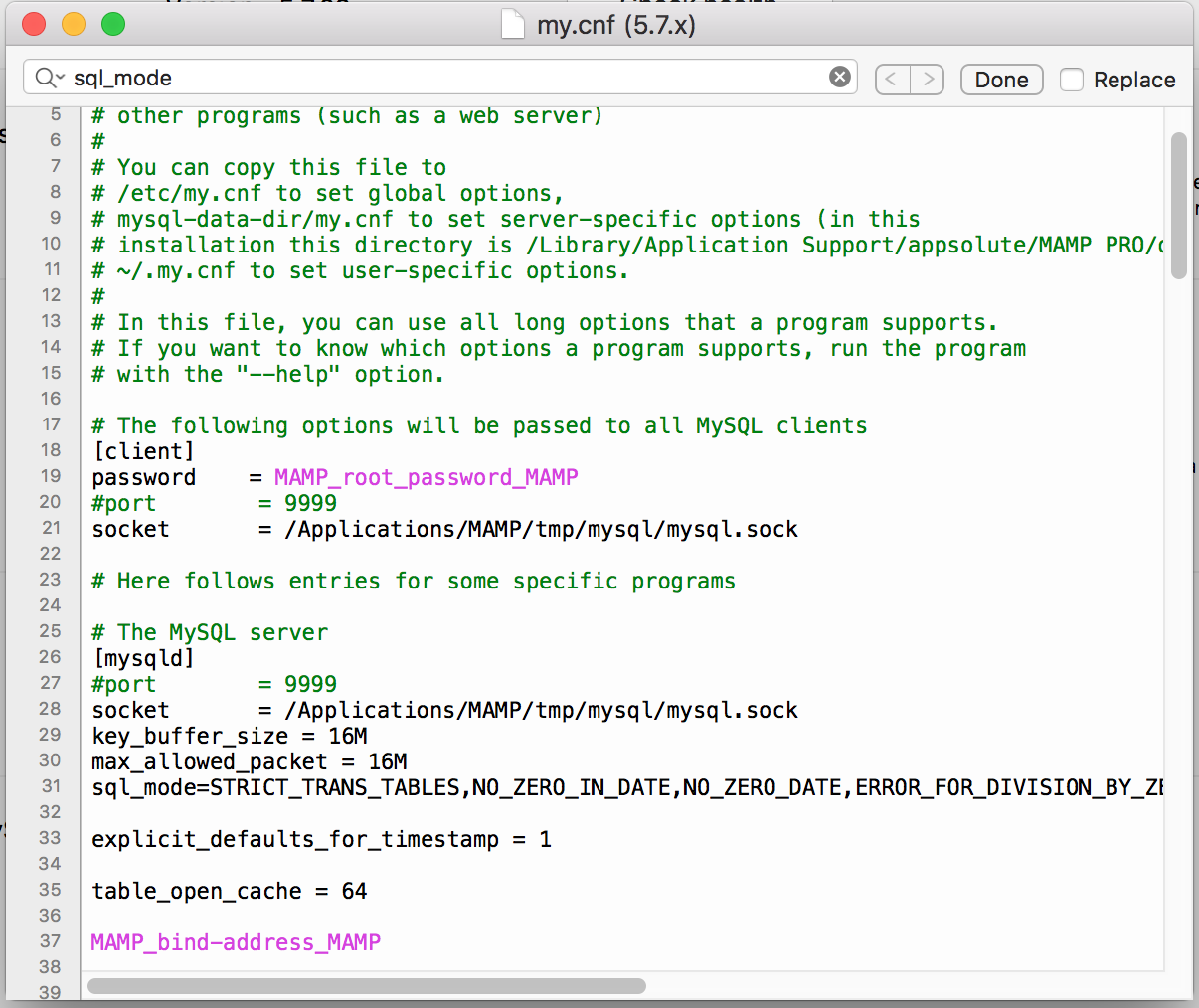
[mysql]
port = 3306
[mysqld]
sql-mode = “”
performance-schema = 0
socket = /var/lib/mysql/mysql.sock
symbolic-links = 0
log-error = /var/log/mysqld.log
bind_address = 127.0.0.1 # Change to 0.0.0.0 to allow remote connections
max_allowed_packet=256M
max_connect_errors = 100
port = 3306
skip_external_locking
skip_name_resolve=1
#max_connections = 256
#max_user_connections = 200
interactive_timeout = 300
wait_timeout = 300
connect_timeout =10
thread_stack = 256K
join_buffer_size =256M
read_buffer_size = 32M
read_rnd_buffer_size =32M
sort_buffer_size = 32M
thread_cache_size = 256
table_cache = 2048
table_open_cache =2048
table_definition_cache = 2048
query_cache_type = 0
query_cache_size = 0
query_cache_limit =16M
open_files_limit = 131072
query_cache_min_res_unit=512
performance_schema=ON
# Enable for b/c with databases created in older MySQL/MariaDB versions (e.g. when using null dates)
#sql_mode = ERROR_FOR_DIVISION_BY_ZERO,NO_AUTO_CREATE_USER,NO_ENGINE_SUBSTITUTION,ONLY_FULL_GROUP_BY,STRICT_TRANS_TABLES
tmpdir = /tmp
user = mysql
# InnoDB Settings
default_storage_engine = InnoDB
innodb_buffer_pool_instances =10 # Use 1 instance per 1GB of InnoDB pool size
innodb_buffer_pool_size = 10G # Use up to 70-80% of RAM
innodb_file_per_table = 1
innodb_flush_log_at_trx_commit = 0
innodb_flush_method = O_DIRECT
innodb_log_buffer_size = 512M
innodb_log_file_size = 1G
innodb_stats_on_metadata = 0
#innodb_temp_data_file_path = ibtmp1:64M:autoextend:max:20G # Control the maximum size for the ibtmp1 file
#innodb_thread_concurrency = 6 # Optional: Set to the number of CPUs on your system (minus 1 or 2) to better
# contain CPU usage. E.g. if your system has 8 CPUs, try 6 or 7 and check
# the overall load produced by MySQL/MariaDB.
innodb_read_io_threads = 64
innodb_write_io_threads = 64
# MyISAM Settings
key_buffer_size = 256M
low_priority_updates = 1
concurrent_insert = 2
back_log = 512
# Table Settings
max_heap_table_size =1024M
tmp_table_size =1024M
# Search Settings
ft_min_word_len = 3 # Minimum length of words to be indexed for search results
# Logging
log_error = /var/lib/mysql/mysql_error.log
log_queries_not_using_indexes = 1
long_query_time = 5
slow_query_log = 0 # Disabled for production
slow_query_log_file = /var/lib/mysql/mysql_slow.log
[mysqldump]
quick
quote_names
max_allowed_packet =256M
If you have a problem with your server configuration, leave a message through the comments section to be resolved for you.